voiMarkable — work in progress
The meeting recorder for reMarkable.
Your Mac records while you write.
The four-page meeting PDF is free. No email required.
What I’m testing
Your Mac records. You keep writing.
voiMarkable is unfinished, but the loop is now real on my own Paper Pro Move: I start, pause and finish the recording from the tablet, and the Mac captures microphone and system audio — both sides of an online call, as two separate channels — and transcribes locally. There is no public installer and nothing to download yet.
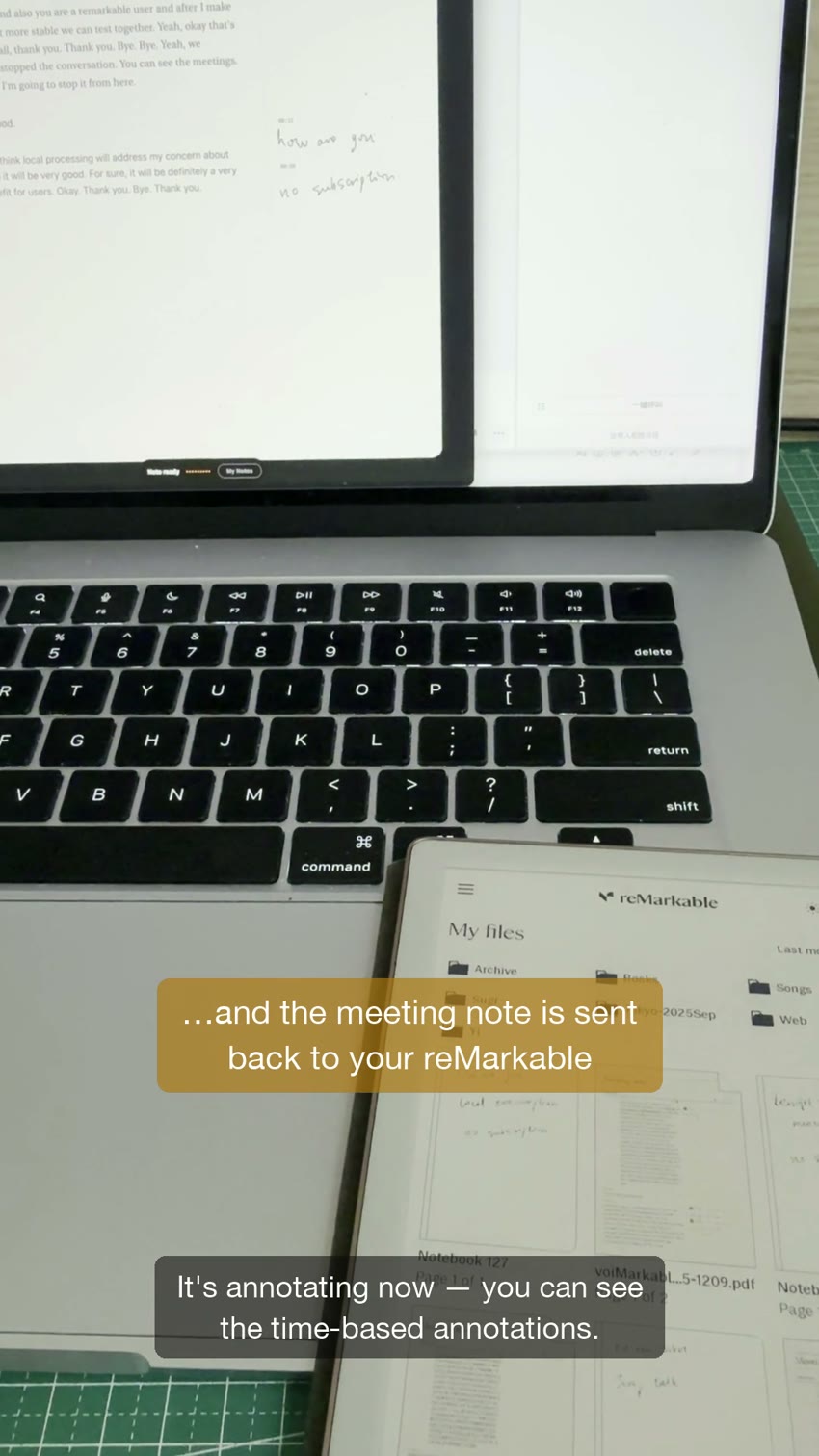
The finished meeting PDF now comes back to the tablet on its own, with my handwriting placed beside the words that were being said. These are the two native Reddit demos from my own tablet; Episode 2 is the uncut online-call take:
Episode 2 — a real online meeting, both sides captured (3 min)
Episode 1 — the whole loop, first demo (2 min)
Progress updates
Tell me your setup. I'll write when it runs on it.
Which Mac, which reMarkable. I test one combination at a time, and I would rather write to you when it runs on yours than send a broadcast that turns out not to apply. Knowing which models people actually have is also what decides the order I test in. There is nothing to download yet, and I will tell you plainly if your setup is not one I can support.
- Aug 10 — A retained two-person room recording now keeps the detected voices visible as Room · Speaker 1 and Room · Speaker 2. The separation was already happening internally; the transcript had hidden it behind one Room label.
- Aug 6 — Recorded a real online meeting end to end: the tablet started it, both sides of the call were captured and transcribed on the Mac, and the finished PDF came back to the tablet. Posted the take uncut.
- Jul 29 — On one Paper Pro Move, the tablet started, paused, resumed and finished a recording on the Mac.
- Jul 29 — A 51-second test put two handwritten notes beside the transcript passages that were playing when I wrote them, stamped 00:11 and 00:16.
- Jul 27 — Two voices talking over each other collapsed into one wrong sentence. Later work improved speaker separation, but overlapping speech still failed and I will not claim perfect results.
That is the whole format: what I tried, what it did, and what broke. Including the parts that did not work.